Tracking your steps shouldn’t require a computer science degree. Yet most fitness trackers on the market today are loaded with touch screens, Bluetooth sync requirements, and app setups that honestly just get in the way. If you want something that clips to your waistband, counts your steps, and shows you the number in big clear digits, that’s a completely reasonable thing to want. And fortunately, those devices still exist.
This guide is for older adults who want a simple, reliable step counter without the tech headaches. We’ll walk you through what to look for, which models are worth buying, and how to set realistic daily step goals that actually fit your life and fitness level.
Why a Simple Pedometer Still Makes Sense for Seniors
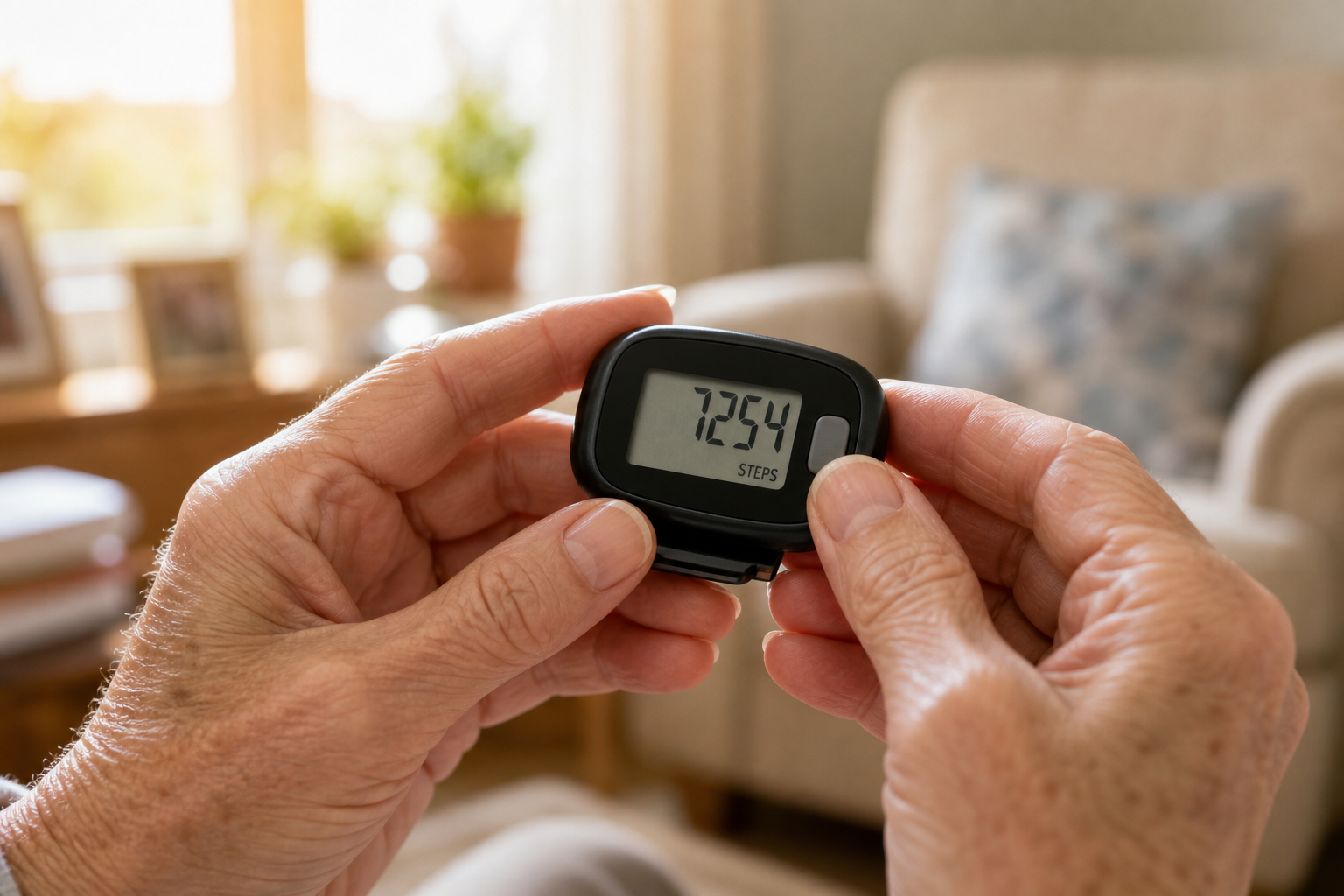
Smartwatches and fitness bands are great for some people, but they come with real drawbacks for others. The screens are often small, the menus are confusing, and you have to charge them every day or two. For someone who just wants to know whether they hit 5,000 steps before lunch, that’s a lot of unnecessary complexity.
A basic clip-on pedometer does one thing well. It counts your steps. Some also estimate distance and calories, which can be a nice bonus, but the core job is step tracking. Battery life on a simple pedometer is often measured in months rather than days. There are no apps to update, no passwords to remember, and no glowing screens to fumble with at night.
If you’re already curious about digital fitness tools and want to explore app-based tracking as well, our guide to fitness tracking apps for seniors covers that side of things nicely. But if you want something that just works the moment you clip it on, keep reading.
What to Look For in a Pedometer for Older Adults
Not all pedometers are created equal. Here are the features that matter most when you’re shopping for one as a senior or buying one as a gift.
Large, Easy-to-Read Display
This is non-negotiable. A display with large, bold numbers makes a huge difference when you’re checking your count on the fly. Backlit screens are a bonus for low-light conditions. Avoid models with tiny segmented numbers or cluttered displays that show five things at once.
Simple Interface
One or two buttons is ideal. If the reset button is buried in a menu, that’s a problem. You want to be able to glance at your steps, reset for the next day, and move on with your life. Test the button size and stiffness before committing if possible, since smaller or stiffer buttons can be frustrating for people with arthritis or limited grip strength.
Speaking of hand function, if joint stiffness or limited grip is a concern in your day-to-day life, you might find our article on grip strength exercises a useful companion read.
Secure Clip or Belt Attachment
A good clip pedometer stays put. Cheaper models fall off easily or lose accuracy because they shift around. Look for a spring-loaded clip with a secure latch, or a model that comes with a safety cord. Many seniors also prefer a lanyard-style option so the device can hang around the neck.
Accurate Step Counting Technology
Older pedometers used a simple pendulum mechanism that could be thrown off by riding in a car or sitting in a rocking chair. Modern pedometers use piezoelectric or MEMS accelerometer sensors that are much more accurate. If the box says “3D sensor” or “multi-axis sensor,” that’s a good sign.
Long Battery Life
Look for models that run on a standard CR2032 coin battery. These are cheap, easy to find at any drugstore, and often last six months to a year with regular use. Rechargeable batteries sound appealing but can become a chore over time.
Top Pedometer Picks for Seniors
Here are the models worth looking at, focused on simplicity, readability, and reliability.
Omron HJ-325 Alvita Pedometer
The Omron HJ-325 is one of the most consistently recommended pedometers for older adults, and for good reason. It has a large, clear display, a 7-day memory so you can review recent activity, and Omron’s well-established step sensor accuracy. The dual-axis sensor works even if the device tilts or shifts during walking, which makes it more forgiving than many competitors.

Omron HJ-325 Alvita Pedometer
One of the most accurate and senior-friendly clip pedometers available, with a large display and 7-day step memory.
The HJ-325 also tracks aerobic steps separately from regular steps, which gives you a sense of whether your walking pace was vigorous enough to count as cardio. It’s a practical feature without being complicated to understand.
Yamax Digi-Walker SW-200
The Yamax Digi-Walker SW-200 has been around for decades and earned a reputation as one of the most mechanically accurate pedometers ever made. It’s the device used in many clinical walking studies, which tells you something about its reliability. The display is clean and legible, and the interface couldn’t be simpler.
The SW-200 doesn’t have a lot of bells and whistles, and that’s actually its strength. If you want a no-fuss device that’s been proven in research settings, this one is a smart pick.
3DFitBud Simple Step Counter
The 3DFitBud Simple Step Counter was specifically designed with seniors in mind. The digits are noticeably larger than most competitors, which makes it easier to read at a glance. It has a walking belt clip, a lanyard hole, and a straightforward one-button operation for resetting. The 3D sensor works at the hip, in a pocket, or in a bag without losing accuracy.

3DFitBud Simple Step Counter
Designed specifically for seniors with extra-large digits and simple one-button operation, making it one of the easiest step counters to use daily.
If someone in your life is buying a pedometer as a gift for an older parent or grandparent, this is one of the most user-friendly options to consider. It’s also budget-friendly, which makes it a low-risk first step into daily tracking.
Sportline Cardio 660 Step and Calorie Pedometer
For seniors who want a bit more data without going full smartwatch, the Sportline Cardio 660 tracks steps, distance, calories, and time walked. The display is large, and you can flip through the data with a simple button press. It clips on solidly and is easy to reset each morning.
This one is a good middle ground if you’re trying to pay attention to calorie burn alongside steps, particularly if you’re also thinking about your nutrition habits. Pairing your activity tracking with good post-walk nutrition can make a real difference in how you feel and recover, and our guide to post-workout recovery meals for seniors has practical advice on that front.
Pedometers vs. Smartwatches: Which Is Right for You?
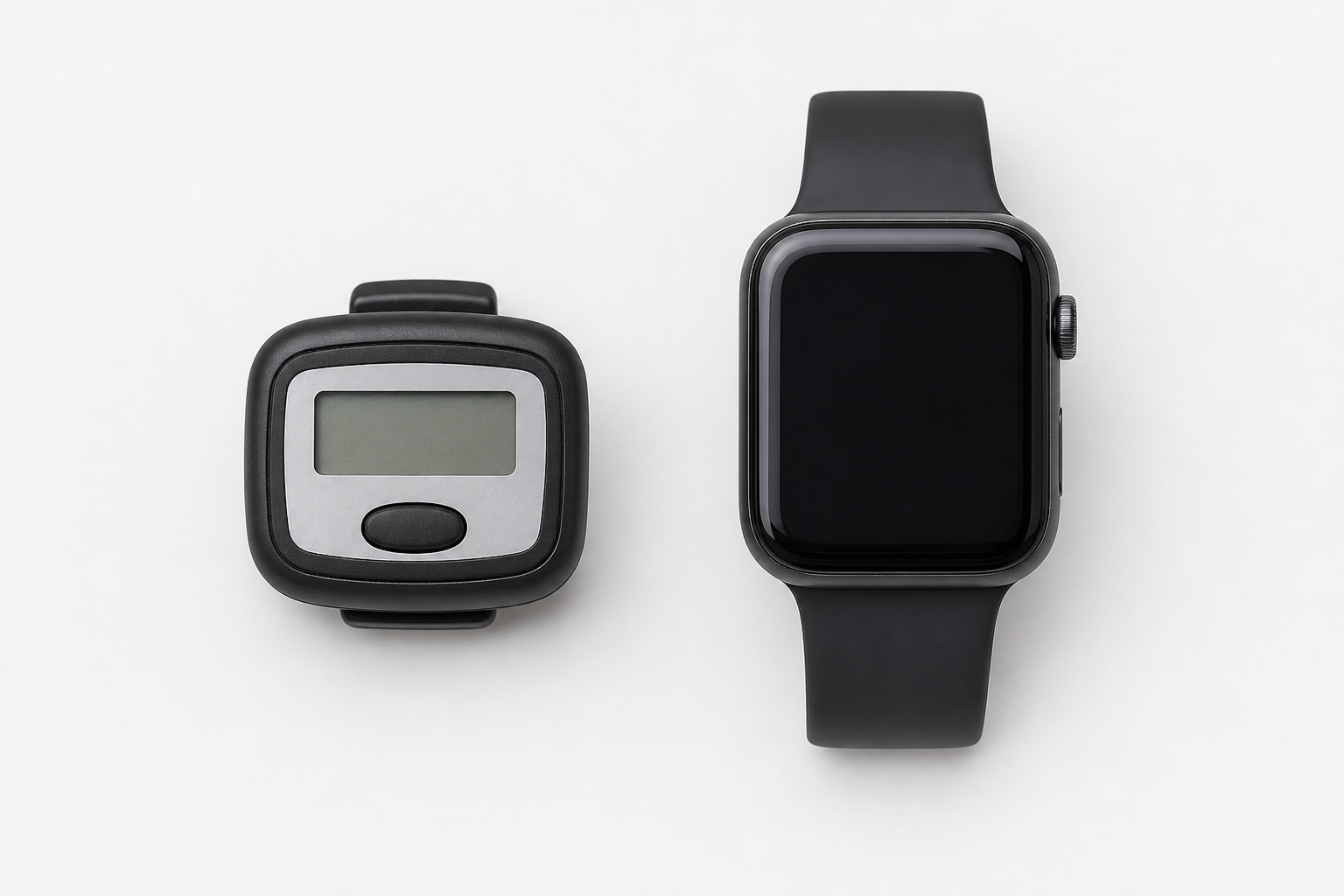
There’s nothing wrong with a smartwatch or fitness band, and some seniors genuinely love them. But they do require more setup, more frequent charging, and more ongoing interaction. If you’re comfortable with technology and want heart rate tracking, sleep monitoring, or GPS, a smartwatch might be worth the investment.
A basic pedometer wins on simplicity, battery life, and price. It also wins if you find small screens frustrating, if you have trouble with touchscreen gestures, or if you just don’t want another device to manage. There’s no wrong answer here. Pick the one you’ll actually wear every day.
If you’re building out a simple home fitness setup on a budget more broadly, our article on a budget-friendly home gym setup for seniors covers a range of affordable tools that work well together.
Realistic Daily Step Goals for Older Adults

You’ve probably heard that 10,000 steps a day is the magic number. But that figure came from a Japanese marketing campaign in the 1960s, not a medical recommendation. For many older adults, 10,000 steps is an ambitious and potentially unrealistic target, especially if you’re starting from a sedentary baseline or managing a health condition.
A More Realistic Starting Point
Research published in journals like JAMA Internal Medicine and JAMA Network Open suggests that meaningful health benefits show up well below the 10,000-step threshold. For adults over 60, studies have found significant reductions in mortality risk at around 6,000 to 8,000 steps per day. Even moving from 2,000 daily steps to 4,500 steps carries measurable benefits.
A good approach is to find your current daily average by wearing your pedometer for a full week without changing your habits. Then add 500 to 1,000 steps per day to that baseline and work toward that new number for two or three weeks before increasing again.
Adjusting Goals Based on Health Conditions
If you’re managing conditions like arthritis, COPD, post-surgical recovery, or neuropathy, your step goals should reflect that. Pushing too hard too fast is a reliable way to get injured or discouraged. For people living with balance challenges, our resource on vertigo and balance exercises for seniors covers how to stay active safely when stability is a concern.
Similarly, if you’re recovering from a hip or knee replacement, a step counter can be a great motivational tool, but your goals need to align with your rehab protocol. Take a look at our post-hip replacement exercise guide for context on appropriate activity levels during recovery.
Breaking Up Your Steps Throughout the Day
You don’t have to hit your step goal all in one walk. Short bursts of walking throughout the day add up quickly and are often easier on joints than one long continuous effort. A 10-minute walk after each meal, for example, can get you to 3,000 or more steps before you even think about it.
Quick tip: Keep your pedometer somewhere you’ll see it first thing in the morning, like on your nightstand or near the coffee maker. When it’s visible, you’re more likely to clip it on and stay aware of your count throughout the day.
Getting the Most Out of Your Pedometer
A pedometer is only useful if you wear it consistently. Here are a few habits that help.
- Clip it on at the same time every morning, ideally as part of a routine like getting dressed or making breakfast.
- Keep a simple log, even just a small notebook on the kitchen counter, to write down your daily count. Seeing a week’s worth of numbers side by side is motivating.
- Use your step count as a gentle accountability tool, not a source of stress. Missing a goal one day doesn’t matter. The trend over weeks and months is what counts.
- Walk with a purpose when possible. Getting steps while doing something enjoyable, like playing disc golf or joining a social fitness group, makes it far easier to stay consistent.
- Replace the battery before it dies, not after. Keep a spare CR2032 in the same drawer as the pedometer so you’re never caught without one.
Frequently Asked Questions
Do I need to sync my pedometer to a phone or computer?
No. The pedometers recommended in this article are fully standalone devices. They display your step count directly on the screen, and you read it the same way you’d read a wristwatch. No Bluetooth, no apps, no Wi-Fi setup required. If you want that kind of connectivity, you’ll need to look at smartwatches or fitness bands instead, which is a different category entirely.
How do I know if my pedometer is accurate?
A simple test: count out exactly 100 steps while walking naturally, then check the display. It should read between 96 and 104 steps. Consistent readings within that range are perfectly acceptable. If the number is wildly off, check that the device is positioned correctly at your hip, not tilted sideways or stored in a bag where movement is restricted. Models with 3D or multi-axis sensors tend to be more forgiving of placement.
Are pedometers useful for people with arthritis or mobility limitations?
Yes, and they can actually be especially motivating for people managing chronic pain or limited mobility. Rather than measuring performance against other people, a pedometer gives you a personal baseline to improve on, even if that improvement is small. Any increase in daily movement carries benefit. If arthritis affects your hands, look for pedometers with larger buttons and easy-to-grip designs. Check out our guide to arthritis-friendly exercises for more on staying active with joint pain.
Where is the best place on my body to wear a pedometer?
The hip is the most accurate location for a clip-style pedometer, specifically attached to your waistband directly above your knee. This position gives the sensor the clearest read on your stride. Waistband placement is consistently more accurate than pocket placement, and much more accurate than clipping the device to a shirt collar or carrying it in a purse. If you can’t use a waistband clip due to clothing choices or comfort, some models come with lanyards that hang close to the chest, which also works reasonably well.
Final Thoughts
A good pedometer doesn’t need to be complicated or expensive to be effective. For most older adults, a simple clip-on device with a large display will do everything you need and do it reliably for years. The Omron HJ-325 and the 3DFitBud Simple Step Counter are both excellent starting points, and you can browse a wider range of options through the general