Finding the right fitness tracker when you’re over 60 shouldn’t require a degree in technology. The best devices for seniors work differently than the ones marketed to marathon runners and tech enthusiasts. You need a screen you can actually read without squinting, buttons that don’t require microscopic precision, and information that matters for your health goals, not just step counts and calorie burns.
After testing dozens of fitness trackers specifically with senior users in mind, I’ve found that the right device can genuinely help you stay active, monitor important health metrics, and even provide safety features that give both you and your family confidence. Let’s look at what actually works in 2026.
Why Seniors Need Different Fitness Trackers
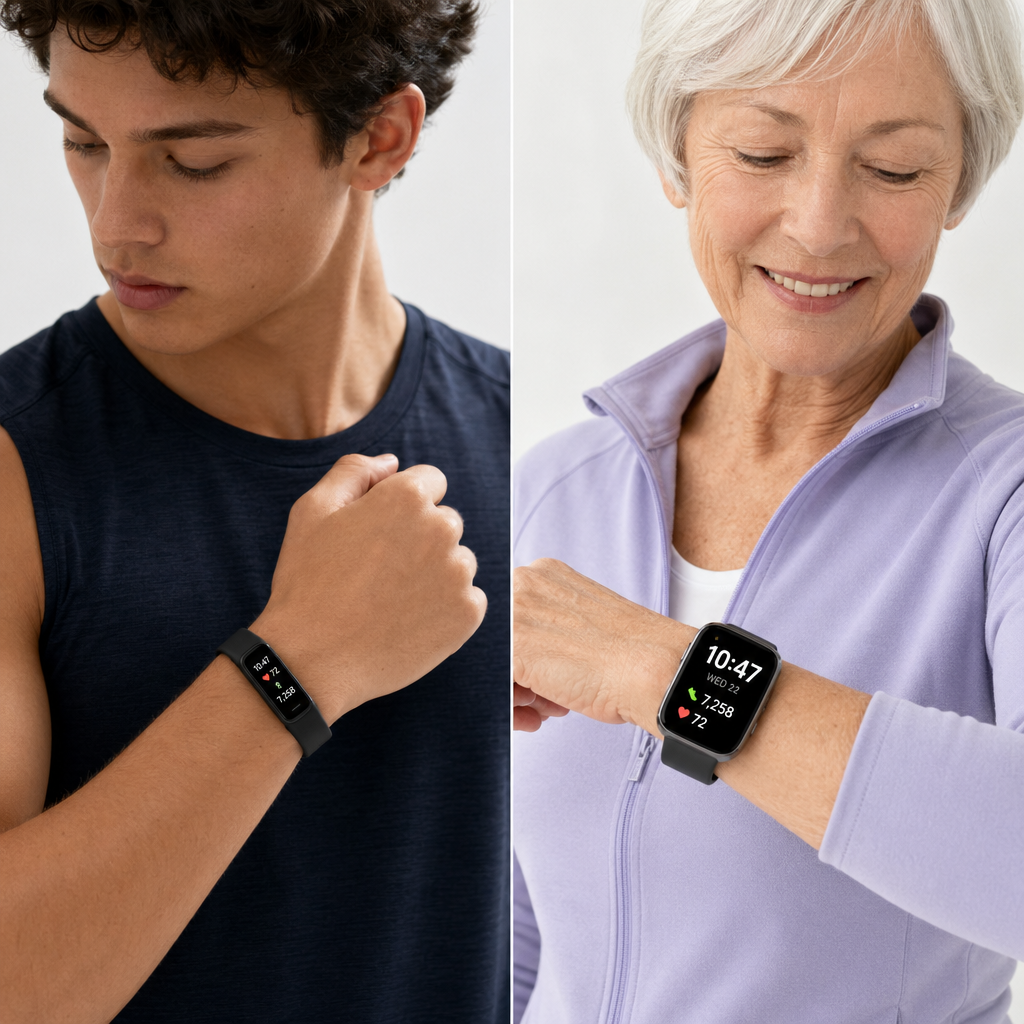
Most fitness trackers are designed for younger users who want detailed workout analytics and social sharing features. But if you’re a senior focused on maintaining health and independence, your priorities are different. You need clear visibility, simple navigation, and features that align with age-appropriate health concerns.
The display size matters more than most manufacturers realize. A tiny screen with cramped text defeats the purpose if you can’t read your heart rate or step count without your reading glasses. You want a display that shows information in large, high-contrast fonts that remain visible in bright sunlight.
Battery life becomes crucial too. Devices that need charging every day create unnecessary hassle and increase the chances you’ll forget to wear it. The best options last at least five to seven days between charges, giving you consistent health monitoring without constant maintenance.
Features like fall detection, emergency SOS, and medication reminders address real concerns that matter more as we age. These aren’t gimmicks. They’re practical tools that can make a significant difference in your daily life and safety.
Top Fitness Trackers for Seniors in 2026
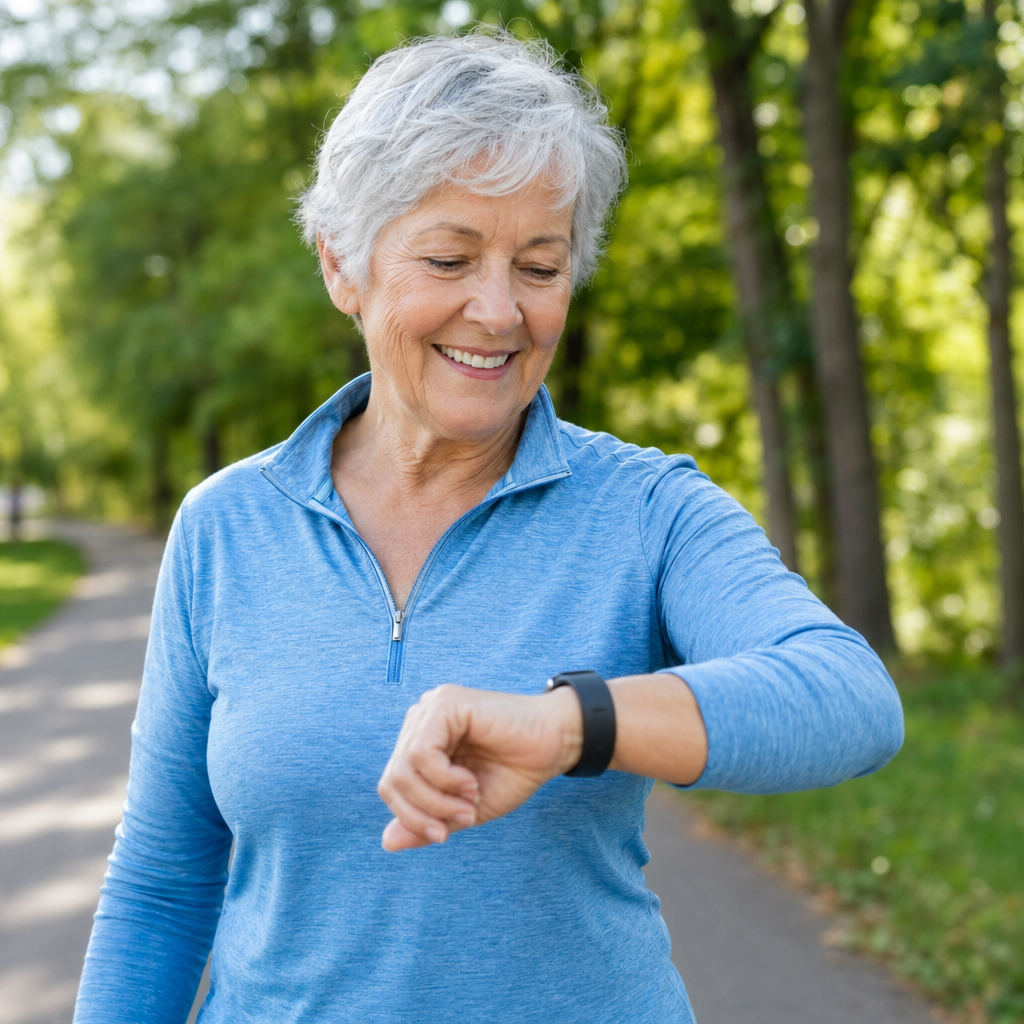
Letsfit Large Display Fitness Tracker
The Letsfit stands out immediately because of its 1.47-inch color touchscreen. That’s genuinely large enough to read without straining, and the interface uses simple icons with text labels rather than cryptic symbols. You get all the basics: step counting, heart rate monitoring, sleep tracking, and blood oxygen measurement.
What makes this tracker particularly senior-friendly is the simplified three-button navigation system. You’re not entirely dependent on touchscreen gestures that can feel unresponsive. The side buttons let you navigate through menus even with wet hands or gloves on.

Letsfit Fitness Tracker Large Display
An excellent budget-friendly option with a genuinely readable screen and simple three-button navigation.
Battery life reaches about 10 days with typical use, which means you can wear it continuously without worrying about daily charging. The magnetic charging cable snaps on easily without requiring precise alignment, a small detail that makes a big difference.
Fitbit Inspire 3 for Seniors
Fitbit has refined their interface over the years, and the Inspire 3 represents their most accessible model yet. The screen is bright and crisp, though slightly smaller than the Letsfit. Where it excels is in the companion smartphone app, which family members can help set up to show exactly the information you care about.
The health metrics go beyond basic step counting. You get continuous heart rate monitoring, irregular heart rhythm notifications, and detailed sleep stage analysis. These features provide actionable insights rather than just numbers. The app explains what your data means in plain language.
One standout feature is the Daily Readiness Score, which tells you each morning whether your body is ready for activity or needs rest. This helps prevent overexertion while encouraging movement on days when you’re up for it.
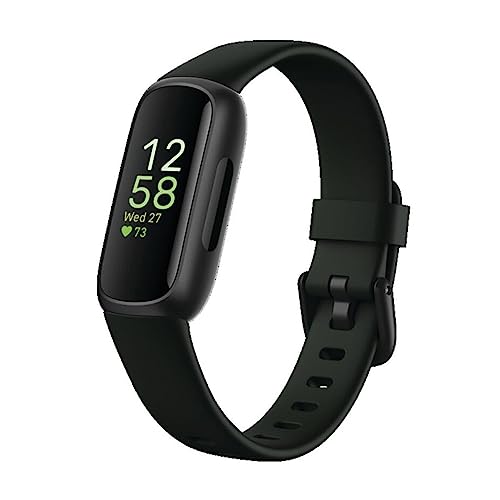
Fitbit Inspire 3
Best choice if you want detailed health insights with family sharing capabilities and excellent app support.
Garmin Venu Sq 2
Garmin’s Venu Sq 2 sits at the premium end but justifies the investment with features that specifically address senior health needs. The square display provides more usable screen real estate than round watches, and you can customize the watch face to show large numbers for whatever metrics matter most to you.
The built-in GPS means you can track walks without carrying your phone, which is liberating for daily exercise routines. More importantly, the incident detection feature can automatically alert emergency contacts if the device detects a hard fall during an outdoor walk.
Health monitoring includes advanced metrics like Body Battery energy tracking, stress monitoring, and respiration rate. These aren’t just numbers for data nerds. They help you understand how activities affect your energy levels and when you might need to slow down or rest.
The Garmin Venu Sq 2 also offers guided breathing exercises and gentle reminders to move when you’ve been sedentary too long. These nudges help maintain activity throughout the day without being annoying.
Essential Features to Look For
Display Quality and Size
Don’t compromise on screen size. You want at least a 1.3-inch display, though 1.4 inches or larger is better. The resolution should be sharp enough that individual pixels aren’t visible, typically 240×240 or higher.
Brightness matters just as much as size. Outdoor visibility in direct sunlight separates good displays from great ones. Look for devices that mention auto-brightness adjustment or high nit ratings (400 nits or above).
Color displays cost more than monochrome but provide better clarity and make the interface more intuitive. The color-coding of different metrics helps you understand information at a glance without reading fine print.
Heart Rate and Health Monitoring
Continuous heart rate monitoring has become standard, but accuracy varies between devices. Look for trackers that use multiple LED sensors rather than just one or two. This improves accuracy during movement and with different skin tones.
Irregular heart rhythm notifications can detect potential atrial fibrillation, a serious condition that becomes more common with age. This feature alone has prompted users to seek medical attention that caught problems early.
Blood oxygen monitoring (SpO2) helps track respiratory health and can indicate issues with sleep apnea or other breathing problems. Make sure the device measures this continuously during sleep, not just on-demand. Maintaining stable blood sugar levels also plays a crucial role in overall health and energy throughout the day.
Battery Life and Charging
Aim for at least seven days of battery life under normal use. This gives you a comfortable margin so you’re not constantly thinking about charging. Some devices stretch to two weeks or more, which is ideal for consistent wear.
Check what “normal use” means for battery estimates. Continuous heart rate monitoring, GPS tracking, and bright displays drain batteries faster. Look for real-world user reviews rather than manufacturer claims.
The charging mechanism matters more than you’d think. Magnetic chargers that snap into place work better than cradles that require precise positioning. Some fitness trackers with easy charging systems can be connected with one hand, which helps if you have arthritis or limited dexterity.
Water Resistance
At minimum, get a tracker rated 5ATM or IP68. This means you can wear it in the shower, wash dishes, and swim without worry. You don’t want to constantly remove and replace your device throughout the day.
True swimming tracking requires higher ratings, but basic water resistance ensures you can wear the device 24/7. Continuous wear provides the most accurate health data, especially for sleep tracking and resting heart rate measurements.
Setting Up Your Fitness Tracker for Success
Most fitness trackers require pairing with a smartphone app for initial setup. Don’t let this intimidate you. Ask a family member or friend to help with the first-time configuration. Once it’s set up, the device works independently for daily use.
During setup, take time to customize what information appears on the home screen. Remove metrics you don’t care about and prioritize the ones you’ll actually use. Most people only need to see time, steps, heart rate, and perhaps one or two other data points.
Set realistic goals based on your current activity level, not aspirational targets. Starting with 5,000 steps per day and gradually increasing feels achievable. Unrealistic goals of 10,000 steps when you’re currently averaging 3,000 just lead to frustration and abandoning the device.
Enable notifications selectively. You probably don’t need every text message and email buzzing your wrist. But call notifications and reminders for medications or appointments can be genuinely helpful. The key is using notifications to support your routine without creating distraction.
Getting Comfortable with the Interface
Spend the first few days simply exploring the menus and buttons. Press everything, swipe in different directions, and see what happens. You can’t break anything by experimenting with the interface.
Practice checking your heart rate, viewing step counts, and accessing the settings menu until these actions become automatic. Muscle memory develops quickly when you repeat actions consistently.
Most devices let you adjust the display timeout (how long the screen stays on when you raise your wrist). Set this longer than the default if you find the screen turns off before you’ve read the information.
Using Your Fitness Data to Improve Health
Collecting data means nothing if you don’t act on it. The real value comes from noticing patterns and making small adjustments to your routine based on what the numbers tell you.
Start by establishing your baseline. Track your activity for two weeks without making changes. This shows your typical step count, resting heart rate, and sleep patterns. You need this reference point to recognize improvements later.
Look for trends rather than obsessing over daily fluctuations. Your step count will vary from day to day based on weather, errands, and how you feel. The weekly average tells the real story. Aim for gradual increases over time rather than dramatic daily changes.
Heart Rate Insights
Your resting heart rate, measured first thing in the morning, provides valuable health information. A gradual decrease over weeks or months indicates improving cardiovascular fitness. Sudden increases might signal illness, stress, or overtraining.
Check your heart rate during routine activities like climbing stairs or walking to the mailbox. As your fitness improves, these activities should trigger lower heart rate responses. This tangible feedback motivates continued exercise better than abstract step counts.
Pay attention to heart rate variability if your device tracks it. Higher variability generally indicates better recovery and lower stress levels. This metric helps you understand how well your body is adapting to activity.
Sleep Tracking Benefits
Sleep quality matters more than duration for feeling rested and maintaining health. Your tracker shows how much time you spend in different sleep stages: light, deep, and REM sleep.
Deep sleep is when your body repairs tissues and strengthens immunity. REM sleep supports memory and cognitive function. Notice what activities or habits correlate with better sleep quality. Evening walks might improve deep sleep, while late caffeine reduces it.
Use the data to identify sleep disruptions you might not consciously notice. Frequent waking periods could indicate sleep apnea or other issues worth discussing with your doctor. The objective data supports medical conversations better than vague complaints about “not sleeping well.”
Setting Incremental Goals
Once you know your baseline, increase activity by 10-15% every two weeks. This gradual progression prevents injury and burnout while building sustainable habits. Going from 4,000 daily steps to 4,500 is more achievable than jumping to 10,000.
Celebrate non-scale victories that your tracker reveals. Lowered resting heart rate, improved sleep scores, and increased active minutes all represent real health improvements even if the bathroom scale doesn’t budge.