Sitting for long stretches is one of the most common health risks that flies under the radar for older adults. Research consistently links prolonged sitting to higher rates of cardiovascular disease, metabolic issues, and accelerated muscle loss. If you’re working from home, pursuing hobbies at a desk, or just spending more time indoors, breaking up that sedentary time matters more than most people realize.
A height-adjustable standing desk paired with a cushioned anti-fatigue mat can make a real difference. Not by turning you into someone who stands all day, but by giving you the flexibility to shift positions throughout the day. For seniors managing joint discomfort, back stiffness, or conditions like arthritis, this combination is one of the most practical investments you can make for your home workspace. Here’s what to look for and which products are worth your money.
Why Alternating Between Sitting and Standing Helps Seniors
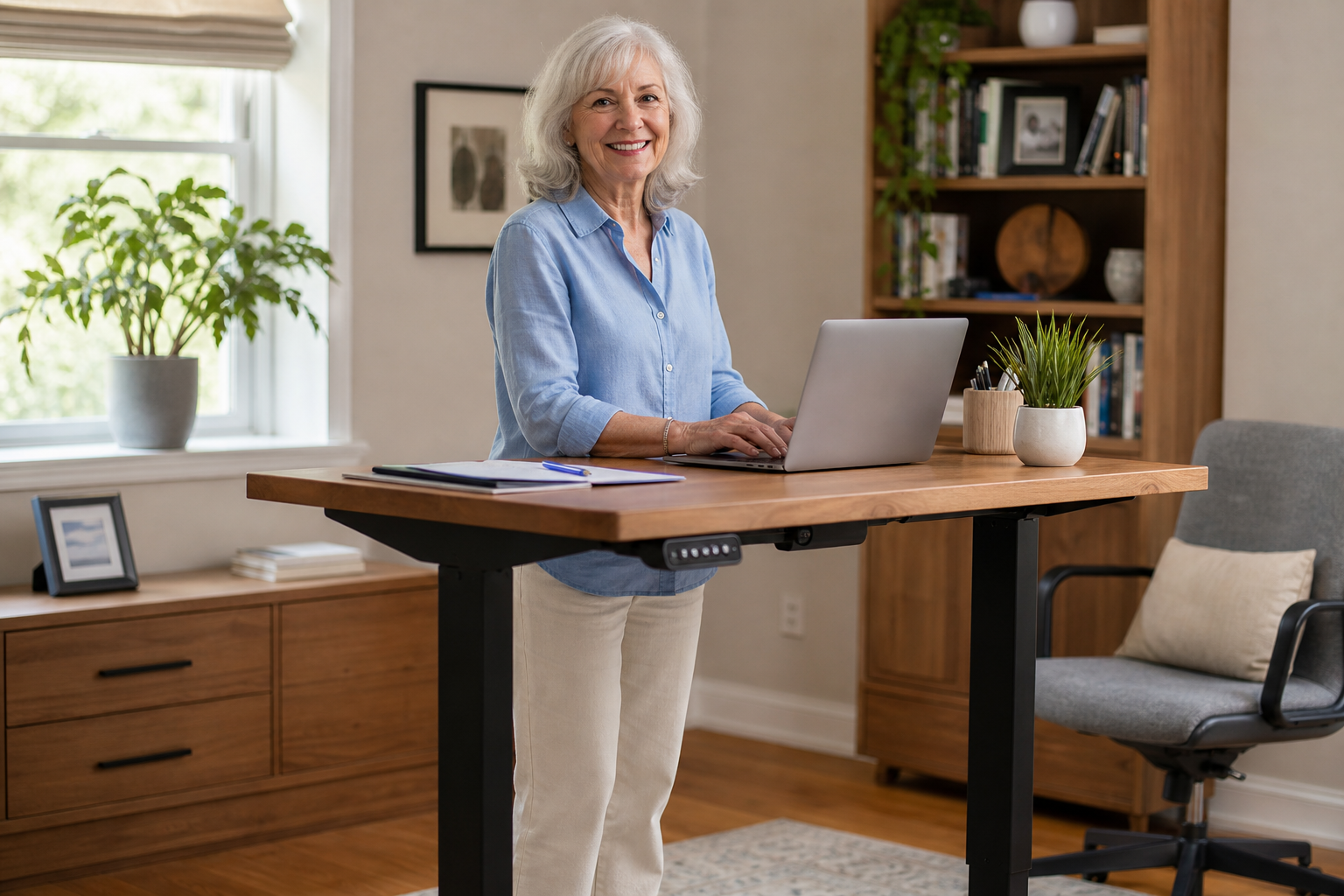
The goal isn’t to stand constantly. That can actually cause its own problems, including increased pressure on the knees and hips, swollen ankles, and lower back fatigue. What you’re aiming for is variety. Alternating between sitting and standing every 30 to 60 minutes keeps blood circulating, reduces compression on spinal discs, and gently activates the postural muscles that tend to weaken with age.
For seniors dealing with chronic joint discomfort, an adjustable workspace removes the pressure of being locked into one position. If you’re already working on posture correction exercises to address forward head posture or slouching, a sit-stand desk makes it much easier to maintain good alignment throughout the day. The two go hand in hand.
It’s also worth mentioning that standing at a well-cushioned mat engages your core and leg muscles in a low-intensity way. Over time, this contributes to the kind of functional strength that keeps you independent and steady on your feet.
What to Look for in a Standing Desk for Seniors
Ease of Height Adjustment
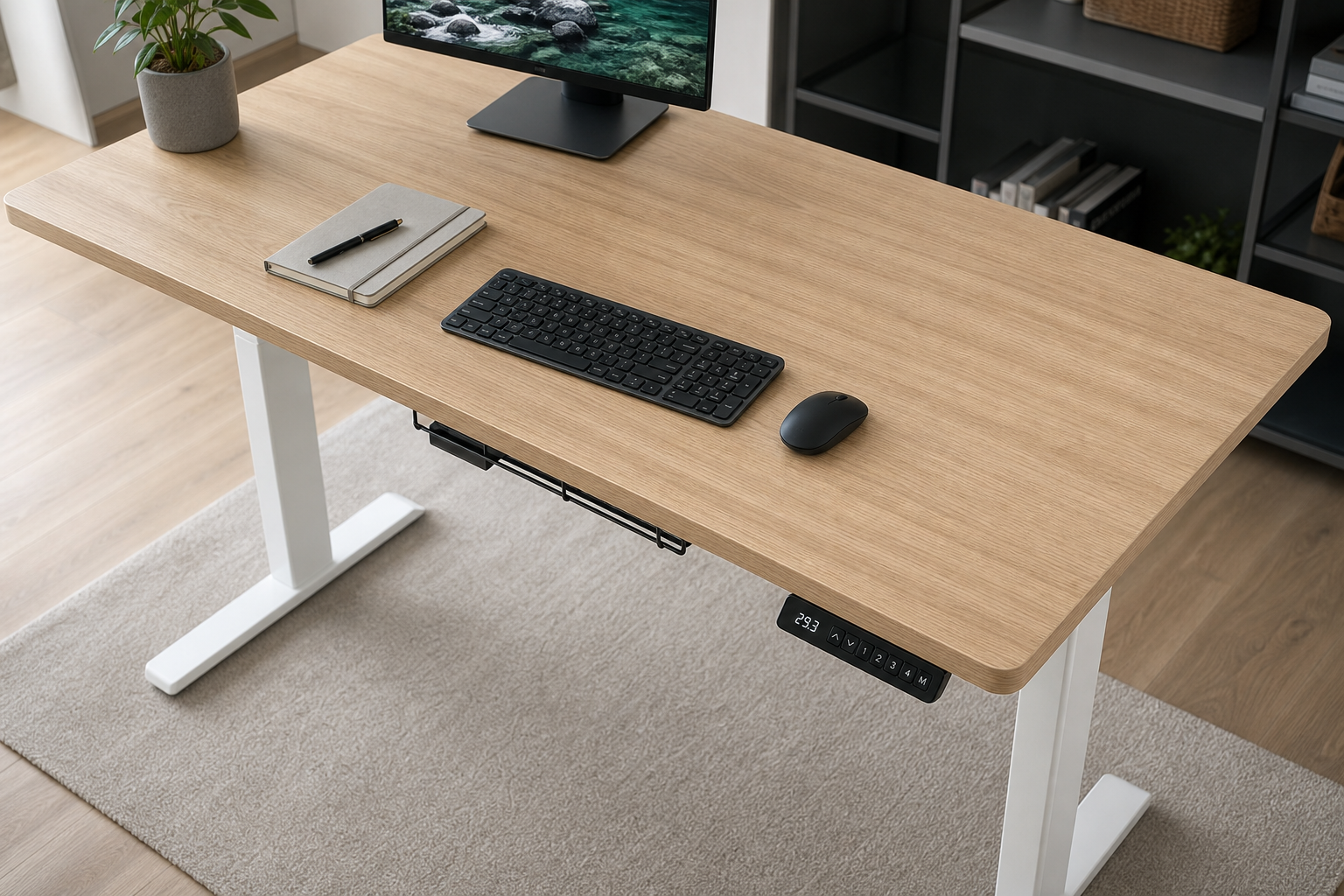
This is the most important factor. A desk that’s difficult to adjust will simply go unused in the raised position. Look for electric motors over hand cranks if you have any grip strength limitations or arthritis. The adjustment should be quiet, smooth, and ideally programmable so you can save your preferred sitting and standing heights.
Seniors with conditions affecting hand dexterity will find electric desks far more practical. If you’re interested in supporting hand function in general, our guide on grip strength exercises is a great companion resource.
Height Range and Stability
Check that the desk can reach your proper standing height. For most adults, this means the surface should be at roughly elbow height when you’re standing upright with relaxed shoulders. Desks that max out around 45 to 47 inches work for most seniors, but taller individuals should verify specs before buying.
Stability matters too, especially at maximum height. A wobbly desk is distracting and potentially unsafe. Look for desks with a crossbar support structure and at least a two-stage or three-stage leg design for better rigidity.
Desktop Size and Weight Capacity
A surface of at least 48 inches wide gives you enough room for a monitor, keyboard, and some workspace without feeling cramped. Weight capacity should comfortably exceed your setup, including monitors, accessories, and anything else you keep on the desk. Most quality electric desks handle 200 to 300 pounds, which is more than sufficient for a typical home setup.
Best Standing Desks Worth Considering
The Flexispot E7 is consistently one of the top recommendations in this category. It features a dual-motor system, a programmable handset, and exceptional stability even at full height. The build quality is noticeably better than many similarly priced competitors, and the adjustment range suits most adults comfortably.
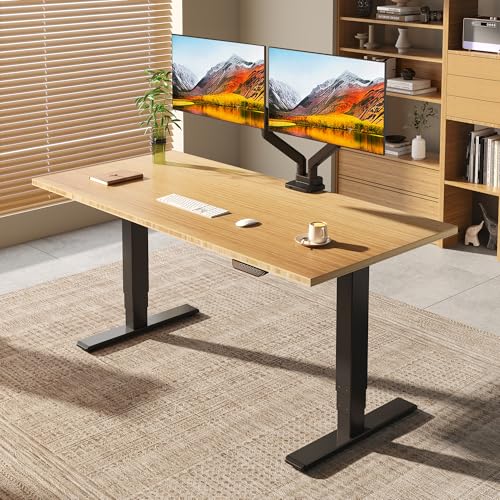
Flexispot E7 Electric Standing Desk
A dual-motor electric desk with a wide height range, programmable presets, and the kind of stability that makes it easy to actually use the standing feature daily.
For seniors who want something more budget-friendly without sacrificing core functionality, the Vivo electric adjustable desk is a solid mid-range option. It won’t have all the premium features of the Flexispot E7, but it handles the basics well and takes up less space, which matters in smaller home offices.
If a full desk isn’t what you need, a desktop riser converter sits on top of your existing desk and raises your monitor and keyboard. These are more affordable, require zero installation, and work well for people who primarily need to raise a laptop or single monitor. The tradeoff is a smaller work surface and less flexibility than a full desk.
What to Look for in an Anti-Fatigue Mat
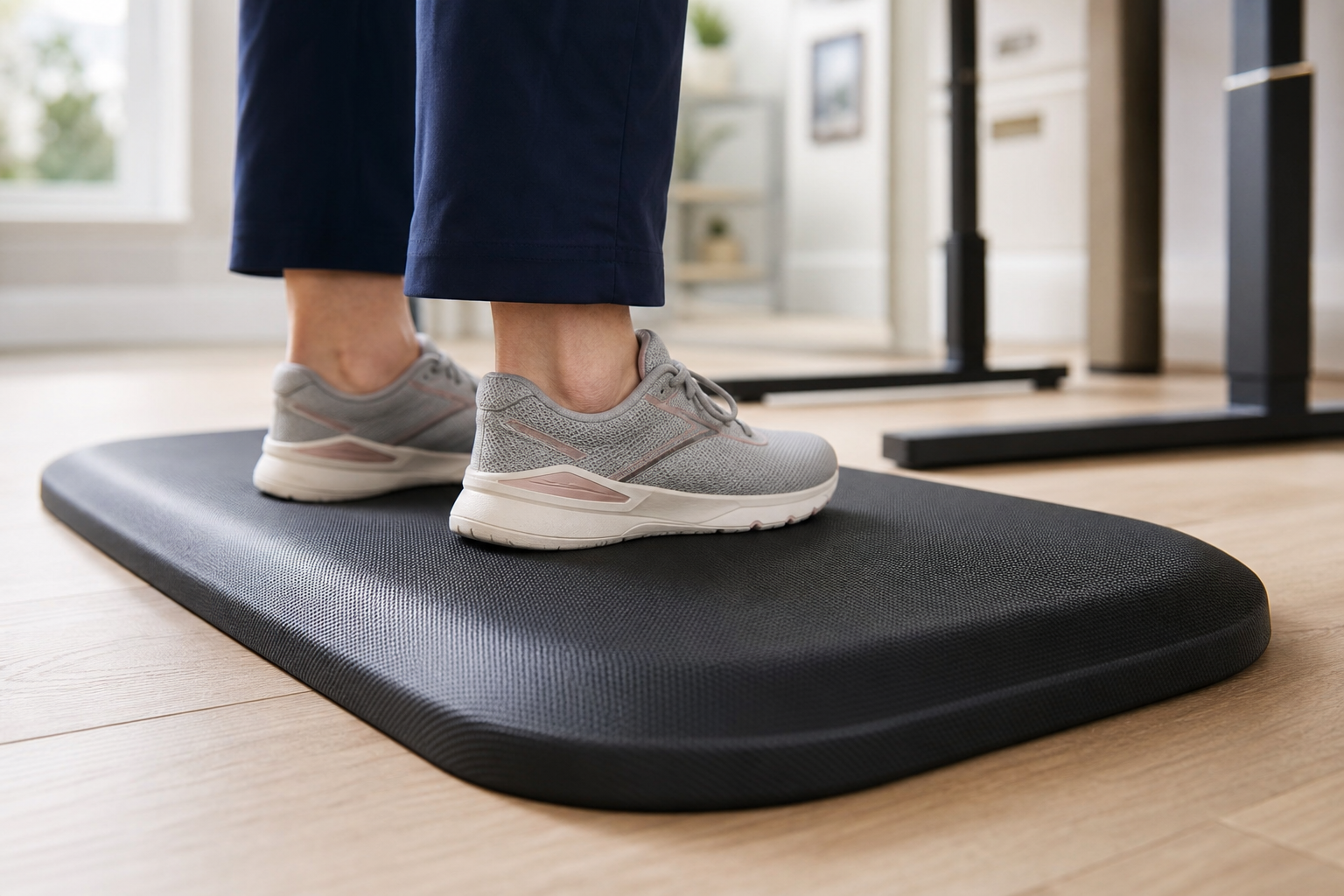
Standing on a hard floor, even for 20 minutes, puts more stress on your joints than most people expect. An anti-fatigue mat works by encouraging subtle, continuous micro-movements in your feet, calves, and legs. This keeps blood moving and reduces the static load on your joints and lower back.
Thickness and Material
Thicker doesn’t always mean better. For seniors, a mat between 3/4 inch and 1 inch thick offers the right balance of cushioning and stability. Too much foam can actually feel unstable underfoot, which is a concern if balance is already something you’re working on. If you’re doing exercises for vertigo and balance, you’ll want a mat firm enough that you don’t feel wobbly standing on it.
Polyurethane foam tends to hold up better over time than cheaper PVC options. Look for mats that don’t compress completely flat after a few months of use, as that defeats the purpose entirely.
Size and Edge Design
A mat that’s at least 20 inches deep and 30 inches wide gives you enough room to shift your weight, step side to side slightly, and not feel confined. Beveled edges are important for preventing tripping, especially if you’re moving between sitting and standing positions frequently throughout the day.
Slip Resistance
The underside of the mat should grip the floor firmly. A mat that slides is a fall hazard, plain and simple. If you’re using the mat on hardwood or tile, confirm the bottom surface is designed to stay in place.
Best Anti-Fatigue Mats Worth Considering
The Topo by Ergodriven is one of the most recommended mats in this category and for good reason. It has a contoured surface with raised terrain that naturally encourages foot movement, which is excellent for circulation. It’s not the most minimalist-looking mat, but the ergonomic design delivers real results for people who spend significant time on their feet.

Topo Comfort Mat by Ergodriven
A contoured anti-fatigue mat with raised terrain that promotes gentle foot movement, improves circulation, and reduces joint stress during extended standing.
For a simpler and more affordable option, the CumulusPRO anti-fatigue mat is a flat-surface mat with excellent cushioning and a firm, non-slip base. It’s a good fit for seniors who prefer a clean, flat surface without the raised contours of the Topo. Check current pricing on Amazon, as both options are frequently available at competitive rates.
Pairing a quality mat with supportive footwear makes a significant difference. Standing in worn-out slippers on even the best mat won’t give you the joint protection you’re looking for. Pair your mat with supportive shoes or dedicated house shoes with arch support for the best results.
If you’re managing joint issues more broadly, it’s also worth looking at nutritional support. Omega-3 supplements for joint health and collagen supplements are both commonly used by active seniors to support cartilage and reduce inflammation over time.

CumulusPRO Anti-Fatigue Mat
A flat-surface cushioned mat with a reliable non-slip base, offering solid joint support for seniors who prefer a stable, uniform standing surface.
Frequently Asked Questions
How long should seniors stand at a standing desk each day?
Most ergonomics experts recommend alternating roughly every 30 to 60 minutes rather than standing for long unbroken stretches. A general starting goal is to stand for about 2 hours of an 8-hour day and gradually work up from there. If your feet or knees start aching, that’s a signal to sit down and rest, not to push through. Think of it as building a habit slowly, the same way you’d approach any new physical activity.
Are standing desks safe for seniors with knee or hip replacements?
Standing on a cushioned mat is generally low-impact and puts less stress on replaced joints than many other activities. If you’ve recently had surgery, check with your physician or physical therapist before spending extended time standing. Our post-knee replacement exercise guide and post-hip replacement exercise guide both include practical guidance on returning to daily activity safely.
Can an anti-fatigue mat help with lower back pain specifically?
Yes, cushioned mats reduce the compressive forces that travel up through the feet and legs to the lumbar spine when standing on hard floors. They also promote gentle postural shifts that prevent the static muscle fatigue that leads to back discomfort. That said, if you’re dealing with chronic or significant back pain, the mat is one piece of the puzzle. Movement-based strategies for chronic pain are often the most effective long-term approach alongside ergonomic improvements at your workstation.
This article contains affiliate links. We may earn a small commission at no extra cost to you.