The right exercise video replaces a personal trainer at a fraction of the cost. It guides you through every movement, demonstrates proper form, keeps your workout structured, and provides the external motivation that exercising alone at home can’t generate. But the wrong video (too fast, too advanced, too young, too complicated) discourages more than it helps. For seniors, the best exercise videos feature instructors who understand aging bodies, offer modifications for common limitations, and move at a pace that allows you to follow without pausing every 30 seconds.
Before starting any new exercise program, talk to your doctor, especially if you have existing health conditions, recent injuries, or haven’t exercised regularly in the past year. What looks manageable on screen may interact with medications, cardiovascular conditions, or joint issues in ways that need professional input first.
What Makes a Video Senior-Friendly
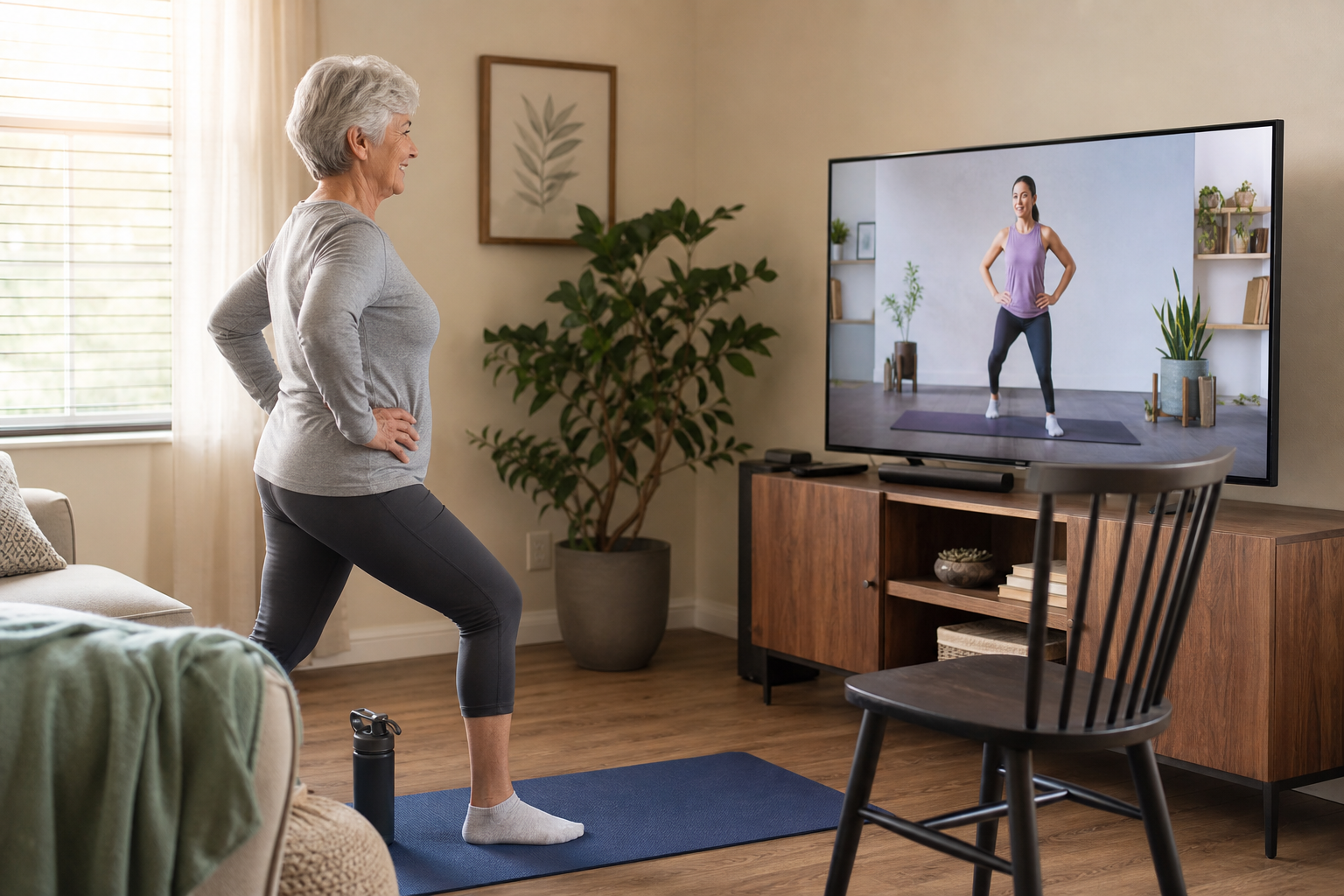
Appropriate Pace
Many fitness videos marketed as “beginner” are beginner by young-adult standards, which is intermediate or advanced for most seniors. A truly senior-friendly video demonstrates each exercise before starting, transitions slowly between movements, provides verbal cues for what’s coming next, and allows enough time to complete each repetition before moving on.
The instructor should count reps out loud (or count down from ten) so you’re not guessing when the exercise will end. They should announce the next exercise while you’re finishing the current one, giving you time to reposition. Videos that jump from one movement to another without warning assume a level of agility and quick reaction time that many older adults don’t have or want to rush.
Watch for transition speed between floor and standing positions. Some videos drop to the floor for planks or stretches, then pop back up for standing work within seconds. That pacing ignores the reality of getting down to and up from the floor safely, which takes longer and requires more effort as you age. Better videos group floor exercises together and standing exercises together, minimizing transitions.
Visible Modifications
The best videos show multiple difficulty levels simultaneously: one person doing the standard version, another showing a seated or simplified modification. This lets you choose the level that matches your ability without pausing the video to figure out how to adapt an exercise you can’t do.
Look for videos that verbally describe the modification as it’s being shown. “If you need extra support, Sarah is doing this from a chair” is more helpful than showing two versions without explaining why you’d choose one over the other. The modification should be framed as a legitimate option, not a consolation prize for people who “can’t keep up.”
Videos that offer balance modifications are particularly valuable. An exercise that requires standing on one leg should show someone holding a chair or wall for support. A balance challenge that’s too aggressive doesn’t build strength, it just increases fall risk while you’re trying to follow along.
Realistic Instructor
Videos featuring instructors who are themselves over 50 (or who regularly work with older adults) tend to program more appropriate exercises, cue better for joint protection, and offer modifications that actually work for aging bodies. A 25-year-old fitness influencer rarely understands the specific concerns of a 70-year-old with arthritis and balance issues.
Instructors who specialize in senior fitness know to cue “soft knees” during standing exercises (slight bend, not locked joints), remind you to engage your core before lifting anything overhead, and avoid exercises that combine multiple complex movements at once. They understand that shoulder mobility decreases with age, so overhead presses may need a reduced range of motion. They don’t treat these accommodations as limitations but as smart training for the body you have now.
Clear Audio and Visual Quality
You can’t follow what you can’t hear or see. Good lighting that shows the instructor’s full body, clear audio that isn’t drowned out by music, and camera angles that actually display foot position and hand placement make a difference. Some older fitness videos have poor production quality that forces you to guess at the details of an exercise.
Close-up shots when hand or foot position matters, wide shots when you need to see the full movement, and an instructor who doesn’t talk over themselves or rush through cues all contribute to whether you can actually perform the workout safely.
Best Free Exercise Videos for Seniors (YouTube)
HASfit Senior Workouts
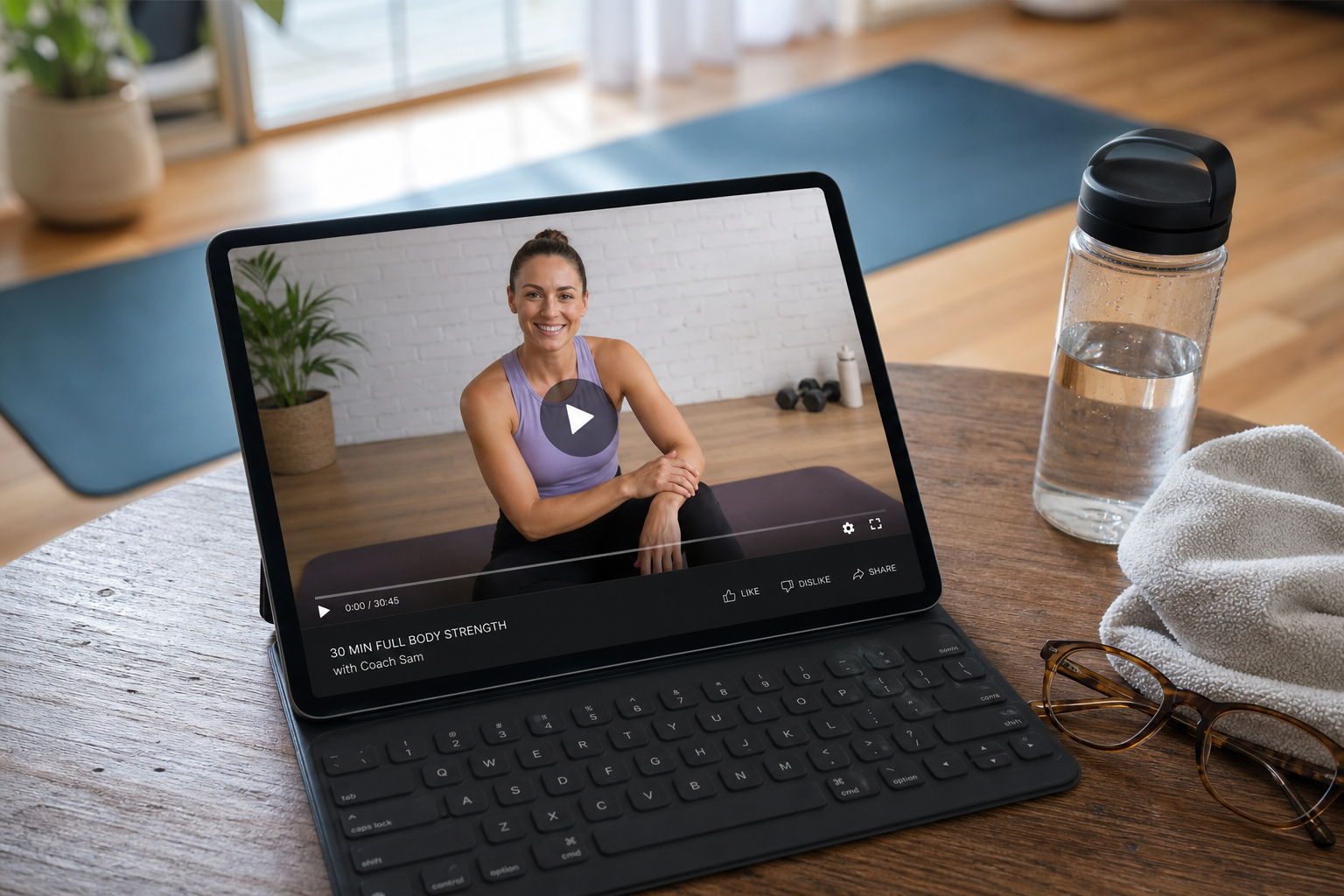
HASfit (Heart and Soul Fitness) offers one of the largest libraries of free senior exercise videos on YouTube. Their “Senior Fitness” playlist includes chair workouts, standing balance routines, gentle cardio, and strength training with bands and light dumbbells. Videos range from 10 to 40 minutes, with clear verbal cues and on-screen modifications. The instructors are encouraging without being condescending.
The production quality is consistently good: well-lit, clear audio, and camera angles that show proper form. They organize their senior content into themed playlists (chair exercises, low-impact cardio, flexibility), making it easy to find what you need without scrolling through unrelated content. Many of their workouts require no equipment beyond a chair and some open floor space.
Coach Kozak and Claudia (the primary HASfit instructors) both demonstrate exercises and offer verbal reminders about breathing, posture, and when to take breaks. The tone is motivational without being pushy. They treat the viewer as capable but acknowledge that some exercises may need adjustment.
Grow Young Fitness
Grow Young Fitness specializes exclusively in exercise for adults over 55. Their YouTube channel features seated and standing routines, balance programs, and pain-specific workouts (knee pain, back pain, shoulder pain). The instructor, Deron Buboltz, is a certified senior fitness specialist who demonstrates modifications for common limitations. The pacing is deliberately slow and the explanations are thorough.
Buboltz walks through the purpose of each exercise before starting it, which helps when you’re deciding whether to include it or modify it based on your own limitations. His “exercises for” videos address specific issues: tight hips, weak ankles, frozen shoulder, sciatica. While these videos may help manage discomfort, they’re not medical treatment. If you have chronic pain, see a physical therapist for an individualized plan.
The channel includes warm-up and cool-down videos designed to be used before and after other workouts. This is helpful if your main workout video skips those components or rushes through them.
SilverSneakers YouTube Channel
SilverSneakers (the Medicare-affiliated fitness program) posts free workout videos featuring exercises from their in-person classes. The content is designed by exercise physiologists specializing in senior fitness. Videos include chair cardio, full-body strength, balance training, and flexibility sessions. If you’re a SilverSneakers member (check your Medicare Advantage plan), you get access to additional content through their app.
The instructors rotate, but all have professional credentials in senior fitness. The exercises are tested in real classes with older adults before being recorded, so they reflect what actually works rather than theoretical programming. Equipment needed is minimal: a chair, occasionally resistance bands, sometimes light weights.
The production value is higher than typical YouTube fitness content, with good lighting, multiple camera angles, and clean graphics showing exercise names and rep counts. Videos are sorted by duration and type, and many are labeled with difficulty level.

Resistance Bands Set for Seniors
Look for sets with multiple resistance levels and door anchors for versatile strength training at home
Jessica Smith TV
Jessica Smith offers a range of low-impact, senior-appropriate walking and exercise videos. Her “Walk at Home” style videos provide indoor cardio that can be done in a small space. The energy is upbeat but the pace is manageable, and she frequently offers standing and seated modifications.
The walking workouts are useful when weather, mobility, or safety concerns make outdoor walking impractical. They include arm movements to increase intensity without impact, but you can walk in place without the arm work if shoulder movement is uncomfortable. Smith’s cueing is clear, and she reminds viewers to move at their own pace rather than trying to match her exactly.
Her strength and flexibility videos use similar low-impact principles. Exercises are demonstrated with options for lighter weights, no weights, or seated variations. The tone is friendly without being overly enthusiastic or talking down to the viewer.
More Options Worth Exploring
BeFit has a senior-specific playlist with 20-30 minute workouts covering cardio, strength, and balance. The production quality varies, but the exercise selection is appropriate.
Fitness Blender allows filtering by difficulty, duration, and equipment. While not senior-specific, their low-impact and beginner categories include many suitable options. The instructors are direct and don’t waste time on motivational speeches.
SeniorShape Fitness posts shorter videos (10-15 minutes) focusing on single muscle groups or specific goals like posture or ankle strength. Useful for targeting areas that need extra work between full-body sessions.
Best Paid Exercise Video Programs
SilverSneakers GO App
The most complete senior exercise video platform. Hundreds of guided workouts organized by type (cardio, strength, balance, flexibility), duration (10-45 minutes), and difficulty level (easy, moderate, challenging). The app tracks your consistency, provides reminders, and includes programs that progress over multiple weeks. Free with most Medicare Advantage plans; subscription available for those without Medicare coverage.
The multi-week programs are the main advantage over free YouTube content. They’re structured to build gradually: week one establishes baseline movements, week two adds resistance or duration, week three increases intensity. This removes the guesswork from progression and prevents the common mistake of doing the same workout at the same level indefinitely.
The app also includes on-demand classes, allowing you to join a live-streamed workout or watch the recording later. Live classes have a social component (you can see how many others are working out at the same time), which some find motivating. The app integrates with fitness trackers to log workouts automatically.
Check your Medicare Advantage plan details or call the number on your insurance card to see if SilverSneakers is included. If it is, the app is free. If not, the subscription is competitively priced for the features provided.
Apple Fitness+ Senior Workouts
Apple Fitness+ has expanded its library to include workouts specifically designed for older adults, including chair exercises, gentle yoga, and modified strength training. The integration with Apple Watch displays your real-time heart rate during workouts. Requires an Apple Watch and a monthly subscription.
The real-time metrics are useful for monitoring exertion. You can see when your heart rate enters different zones and adjust intensity accordingly. For seniors managing cardiovascular conditions, this feedback is more precise than “perceived exertion” guesswork.
The instructor roster includes older adults and trainers who work specifically with senior populations. The workouts are filmed with proper lighting and multiple camera angles. Exercises are previewed before each set, and modifications are shown throughout.
The subscription is budget-friendly and includes access to all Fitness+ content, not just senior workouts. You’ll need an Apple Watch (Series 3 or newer) and an iPhone, iPad, or Apple TV to stream workouts.
Peloton App (Digital Only)
The Peloton app (no bike or treadmill required) includes a growing library of low-impact, beginner-friendly classes including yoga, stretching, strength, and walking. The “Beginner” and “Low Impact” filters surface age-appropriate content. The monthly subscription is lower than the full Peloton membership and doesn’t require any Peloton hardware.
The app works on phones, tablets, and smart TVs. You can filter by duration (5 to 60 minutes), discipline (yoga, strength, walking, stretching, meditation), and instructor. While Peloton is known for intense cycling classes, their stretching, yoga, and walking content is more accessible and genuinely low-impact.
Instructors offer modifications during strength classes, and the “Beginner” programs are structured as multi-week progressions that start with foundational movements before adding complexity. The app tracks completed workouts and offers basic metrics, but doesn’t integrate with wearables the way Apple Fitness+ does.
Subscription pricing is reasonable, and free trials are often available, giving you time to test whether the content matches your needs before committing.
How to Get the Most from Exercise Videos
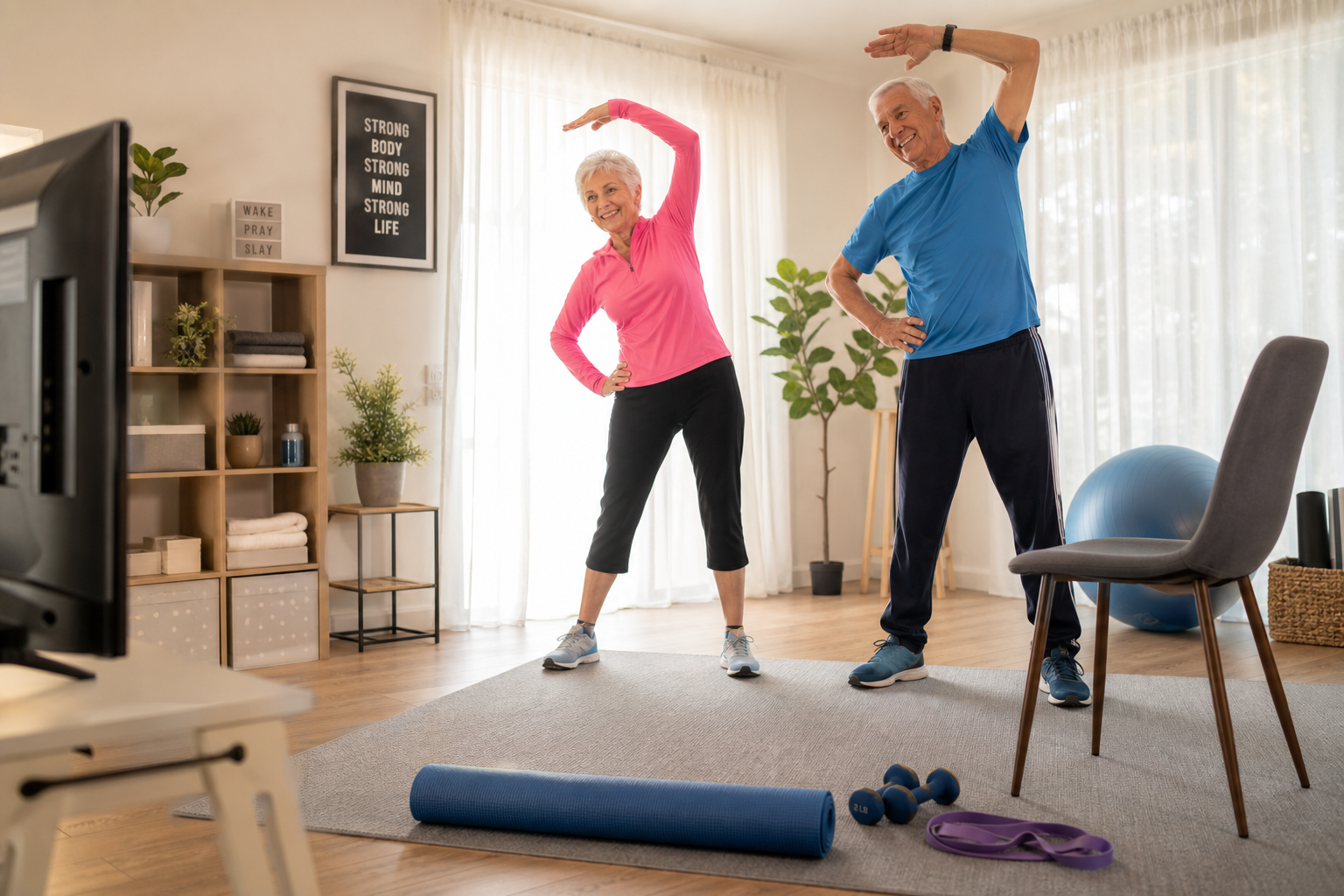
Preview before starting. Watch the first 2-3 minutes of any new video before attempting to follow along. Check the pace, the exercises used, and whether modifications are shown. If the warm-up feels too fast or the transitions too abrupt, the rest of the workout will likely have the same issues.
Don’t try to keep up perfectly. Pause the video if you need more time with an exercise. Skip exercises that don’t feel safe. Do your own modified version of movements that are too advanced. You’re not being graded. The goal is to move in ways that strengthen your body without causing pain or risking injury.
Use a TV or tablet, not a phone. A larger screen is easier to see from exercise distance. Position the screen at eye level so you don’t look down during standing exercises (which throws off your balance). If you’re using a tablet, prop it on a stable surface rather than holding it, and make sure it won’t slide or tip during the workout.
Create a playlist of favorites. Once you find 5-6 videos you enjoy, bookmark or save them so you’re not searching for content every time you exercise. Rotating between a handful of favorites prevents boredom while maintaining familiarity. You’ll also perform exercises better when you’ve done them before and know what’s coming.
Set up your space before pressing play. Have your resistance bands, water bottle, and chair ready before the video starts. Pausing to gather equipment mid-workout breaks your momentum and adds unnecessary frustration. Clear enough floor space that you won’t bump into furniture during side steps or arm movements.
Wear supportive footwear even indoors. Athletic shoes with good arch support and non-slip soles are safer than socks, slippers, or bare feet. Socks can slide on hard floors. Bare feet don’t provide arch support during standing exercises. Slippers often lack the stability needed for balance work.
Keep your phone nearby but on silent. You want it within reach in case of emergency, but notifications during a workout are distracting and can throw off your balance if they startle you mid-movement.
Schedule workouts at the same time when possible. Consistency matters more than perfection. Exercising at the same time most days (morning after breakfast, mid-afternoon, before dinner) builds a routine that’s easier to maintain than deciding each day when you’ll fit it in. Learn more about optimal workout timing for your schedule.
Choosing the Right Video Length
10-15 minute videos work well for targeted sessions (shoulder mobility, ankle strength, balance practice) or for days when energy is low but you still want to move. They’re also useful for doubling up: a 10-minute strength video followed by a 10-minute stretching video covers different fitness components in 20 minutes total.
20-